Add payment methods
HelpCenter
About this training
We are here to help
Having troubles making a decision about this training ?
contact_support Ask us anythingBy default, 3 payment methods are installed on your store.
- Payment by cheque
- Payment by bank transfer
- And depending on your type of store, PrestaShop Checkout Built With PayPal
If you wish to offer other payment methods to your customers such as Stripe, Revolut, Amazon Payments and many others, it is possible! To do this, you must install payment modules on your store.
To find new payment modules, you have 3 options:
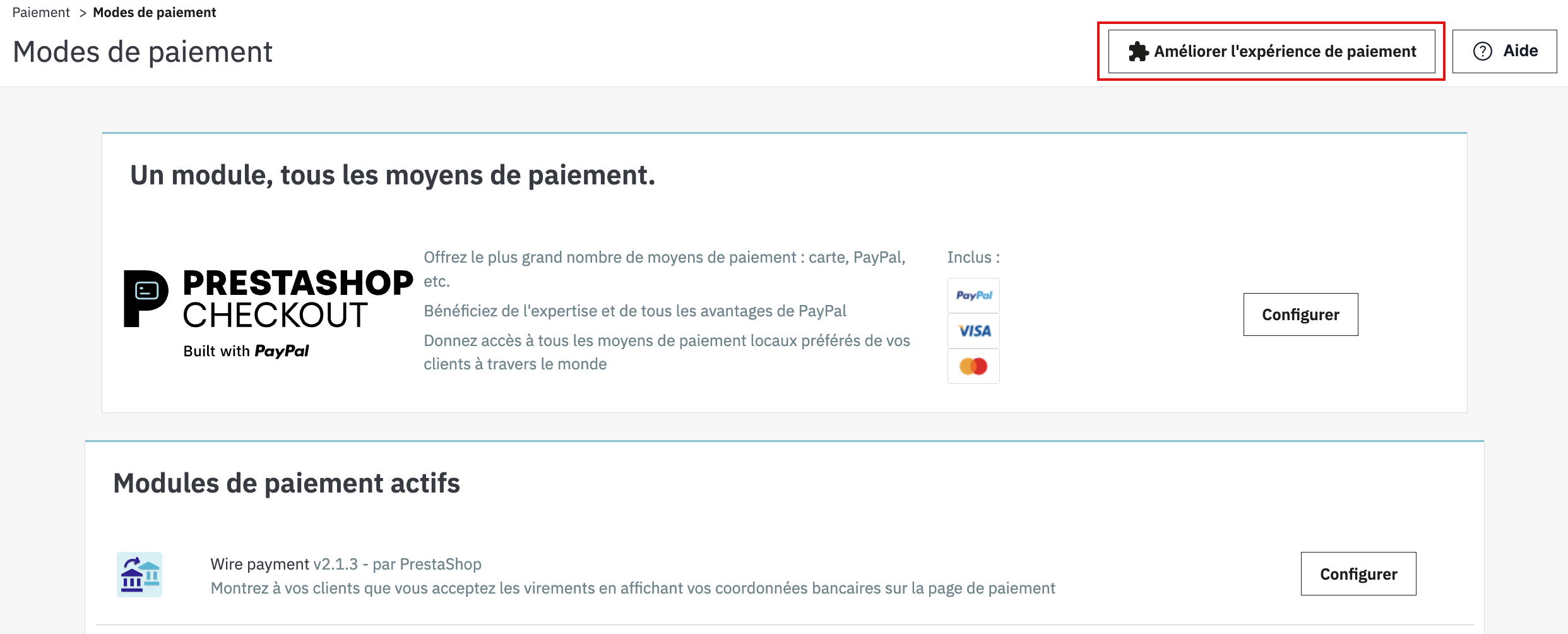
1. On the Payment > Payment methods page.
Click on the Improve the payment experience button to discover our pre-selection of partner modules, compatible with your store.
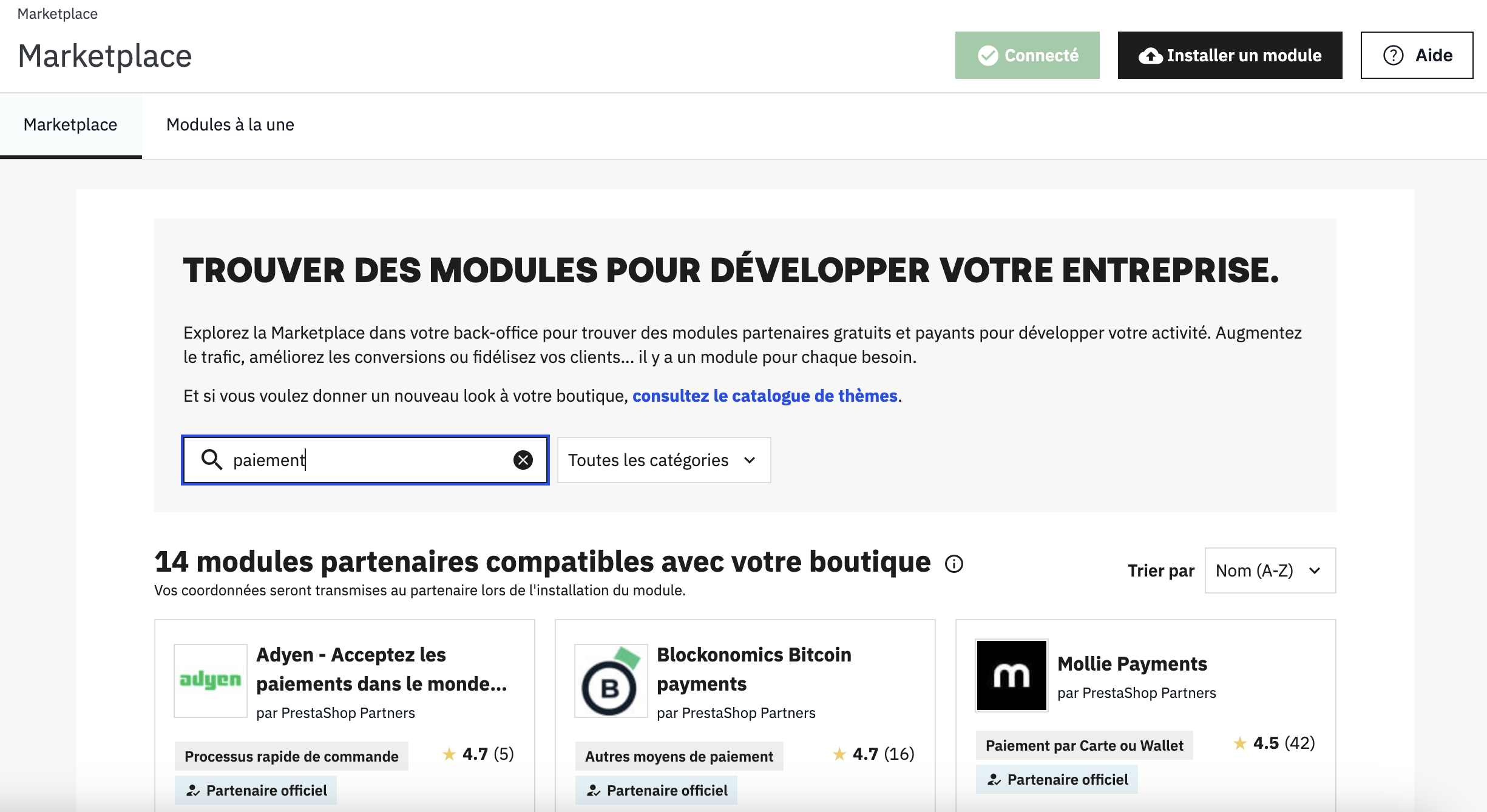
2. On the Module > Marketplace page.
Explore the PrestaShop Marketplace in your back office (if you have the necessary MBOmodule) and discover all the free and paid payment modules to improve your customers' shopping experience.
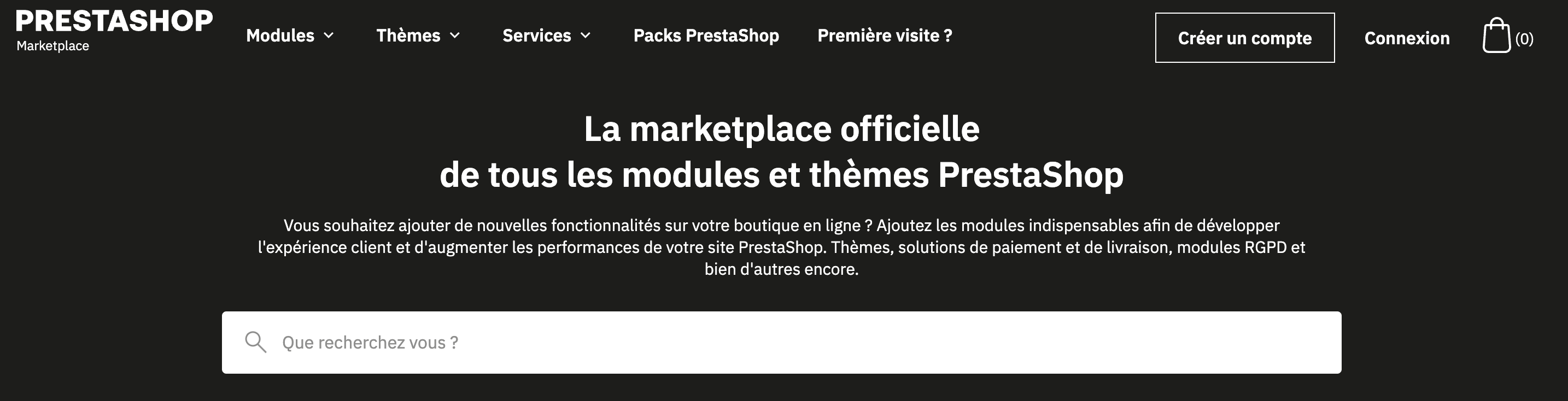
3. On the PrestaShop Marketplace website.
Explore the PrestaShop Marketplace online to find free and paid payment modules. Once the module has been downloaded, you will be able to add it to your store in Modules > Marketplace > Install a module.
⚠️ This article has been translated by a machine translation program.